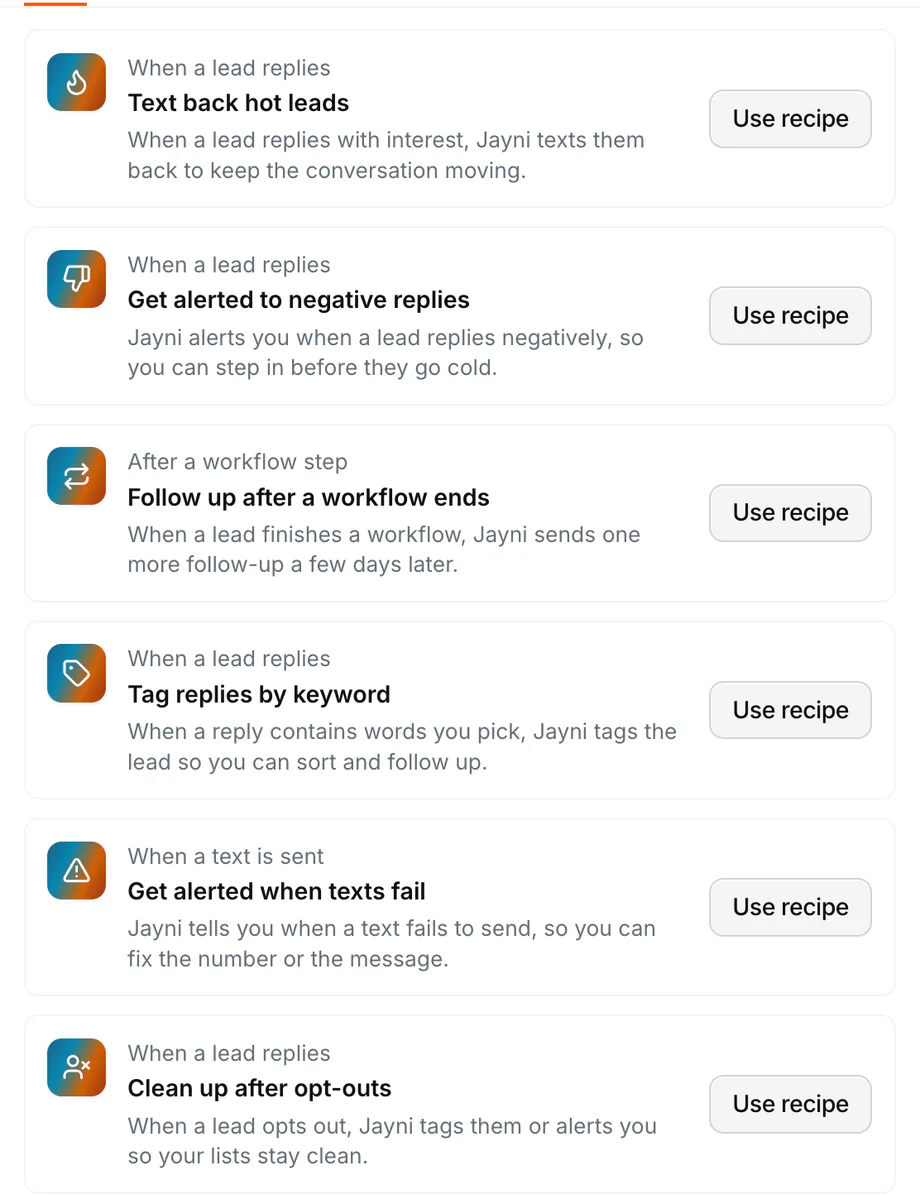
When a lead replies
Text back hot leads
When a lead replies with interest, Jayni texts them back to keep the conversation moving.
See how recipes workMeet Jayni
Jayni is your AI copilot for business texting. Ask her to build workflows, update contacts, and automate replies and follow-ups.
Explore what Jayni can doAsk Jayni to draft workflows, tag replies, and set up alerts. Review the result, make changes in chat, and check what’s running.
01 / Automations
Describe the event and the action you want. Jayni drafts an automation you can review and enable, so routine texting tasks happen when they’re needed.
A reply arrives → Jayni checks the sentiment → the right tag is applied.
Use recipes to reply to leads, follow up after workflows, tag contacts, and flag issues that need your attention.
When a lead replies with interest, Jayni texts them back to keep the conversation moving.
See how recipes workJayni alerts you when a lead replies negatively, so you can step in before they go cold.
See how recipes workWhen a lead finishes a workflow, Jayni sends one more follow-up a few days later.
See how recipes workWhen a reply contains words you pick, Jayni tags the lead so you can sort and follow up.
See how recipes workJayni tells you when a text fails to send, so you can fix the number or the message.
See how recipes workWhen a lead opts out, Jayni tags them or alerts you so your lists stay clean.
See how recipes workJayni on iMessage
Connect your phone, then ask Jayni to update contacts, save context, or edit automations while you’re away from your desk.
Bring texting into the tools you already use. Connect through Zapier, Make, webhooks, or the PitchPrfct API and MCP.
Approximately 500 million texts sent with PitchPrfct.
Describe a task to Jayni or start with a recipe. Review the setup, then enable it when you’re ready.
Start with an event and the action you want. For example, tag replies by sentiment, respond to an applied tag, or notify you about a delivery failure. Jayni can also help build workflows with messages, timing, and follow-up steps.
Yes. Describe the change you want, such as adding a condition or adjusting an action. Review the updated rule before putting it to work.
Enabled automations can run when their event occurs, following the instructions you set. Review the rule before enabling it. You can check run history, edit the rule, or pause it from Automations.
Connect Jayni on iMessage from your PitchPrfct Integrations settings and verify your phone. Then text Jayni to work with your account away from your desk. It’s a way for you to reach your copilot; customer campaigns still use SMS. Some visual tasks are best completed in the web app.
Yes. Use Zapier, Make, webhooks, or scoped REST API and MCP access for supported operations. Build and edit workflows in PitchPrfct or with Jayni; external integrations can enroll contacts in existing workflows.
Create a PitchPrfct account or book a demo. Open Jayni and describe a task you want to handle, or choose a recipe to start from.