
10DLC registration is a two-part process: you register your brand (who you are) and then a campaign (what you'll text and why). Both go to The Campaign Registry through your messaging provider, carriers review them, and once you're approved your texts get delivered instead of filtered. This guide walks the whole process step by step — costs, timelines, and the mistakes that get applications rejected.
What 10DLC registration is
10DLC stands for "10-digit long code" — the standard local number U.S. carriers let businesses use for application-to-person (A2P) texting. Registration is how you tell the carriers who you are and what you'll send, so they trust your traffic and let it through. For the full background on why this system exists, see what is 10DLC. This guide is the how-to: the actual steps to get registered and approved.
You don't submit directly to the carriers. Your messaging provider (or a platform like PitchPrfct) files your brand and campaign with The Campaign Registry, which routes everything to AT&T, T-Mobile, and Verizon for review.
The 10DLC registration process, step by step
Step 1 — Register your brand
Brand registration identifies your business. You'll provide your legal business name, EIN (tax ID), business address, and website. Carriers verify these against public records, so they have to match exactly — the name on your application must be the name on your IRS paperwork.
A live, functional website with a privacy policy that mentions SMS data collection is part of this too. Brand approval is usually the quick part: often a couple of business days.
Step 2 — Register your campaign (use case)
Campaign registration describes what you'll send. This is where most of the work — and most of the rejections — happen. You'll submit:
- A use case — marketing, customer care, appointment reminders, 2FA, and so on.
- 2–5 sample messages that read like real texts you'd actually send (not
{placeholders}). - Your opt-in process — exactly how people consent, including any keyword.
- Opt-out language — your messages must show how to stop, e.g. "Reply STOP to opt out."
Carriers compare your samples and use case against your brand and your website. Consistency across all three is what gets you approved.

Step 3 — Vetting and your trust score
When your brand is approved it gets a trust score on a 0–100 scale. The higher the score, the more messages carriers let you send per day. The score comes from your business details and, optionally, third-party vetting you can pay for to raise a borderline score.
Vetting matters most if you plan to send at volume, since trust score directly feeds your throughput tier. A standard brand with a strong score can scale far higher than a low-volume one.
Step 4 — Connect numbers and start sending
Once the campaign is approved, you associate your 10-digit number (or numbers) with it. That link is what authorizes delivery. From there you're live, sending within the daily limits your tier and score allow.
Throughput is real, and T-Mobile enforces hard daily caps. As a rough guide from carrier documentation:
| Brand type | Approx. daily volume (T-Mobile) | Across all carriers |
|---|---|---|
| Sole proprietor | ~1,000 segments | ~3,000 segments |
| Low-volume standard | up to ~2,000 segments | ~6,000 segments |
| Standard (by trust score) | 2,000 to unlimited | scales with score |
Source: Twilio A2P 10DLC documentation, read June 18, 2026.
Here's the whole flow in one demo, registration through sending:
10DLC registration costs
There are two kinds of fees, and they're separate from whatever your texting platform charges per message.
| Fee | When | Typical range |
|---|---|---|
| Brand registration | One-time | A one-time charge to register your business identity |
| Campaign registration | Monthly, recurring | A per-campaign monthly fee that varies by use case |
| Third-party vetting | Optional, one-time | An extra fee only if you vet to raise your trust score |
Exact dollar amounts vary by provider, and carriers periodically adjust their pass-through fees, so check your platform's current pricing rather than trusting a number you read somewhere. Higher-trust and special use cases (charity, political) often carry different monthly campaign fees than basic marketing campaigns.
With PitchPrfct, the $10/mo Campaign Registry fee is the customer's, but PitchPrfct absorbs the initial registration submission and handles the filing for you. The rest of the pricing is flat — see pricing for the full breakdown.
How long 10DLC registration takes
Brand approval is often a couple of business days. Campaign review is the longer leg and depends on carrier queue depth — typically 2–5 business days.
A clean application is the single biggest lever on speed. Every rejection sends you to the back of the line, so getting it right the first time is the fastest path, not the most cautious one.
Top 10DLC rejection reasons (and how to avoid them)
Most rejections trace back to a short list of fixable problems:
- Business name or EIN doesn't match the IRS record. Copy it character for character — "LLC" vs "L.L.C." matters.
- Weak or broken website. Carriers want a live site with a privacy policy that mentions how you handle SMS data.
- Sample messages don't match the use case. Write realistic texts, not templates full of brackets, and make sure they match what you registered.
- No clear opt-in. Show exactly how people consent — a checkbox, a keyword, a form. "We have their numbers" isn't consent.
- Prohibited content. Lead generation, affiliate offers, high-risk loans, and SHAFT content (sex, hate, alcohol, firearms, tobacco) won't be approved.
Fix these before you submit and approval is usually smooth.
How PitchPrfct makes registration guided
Registering yourself means learning carrier rules the hard way — by getting rejected. PitchPrfct files your brand and campaign for you, pre-checks the details carriers care about, and guides your opt-in setup so the application matches what reviewers expect.
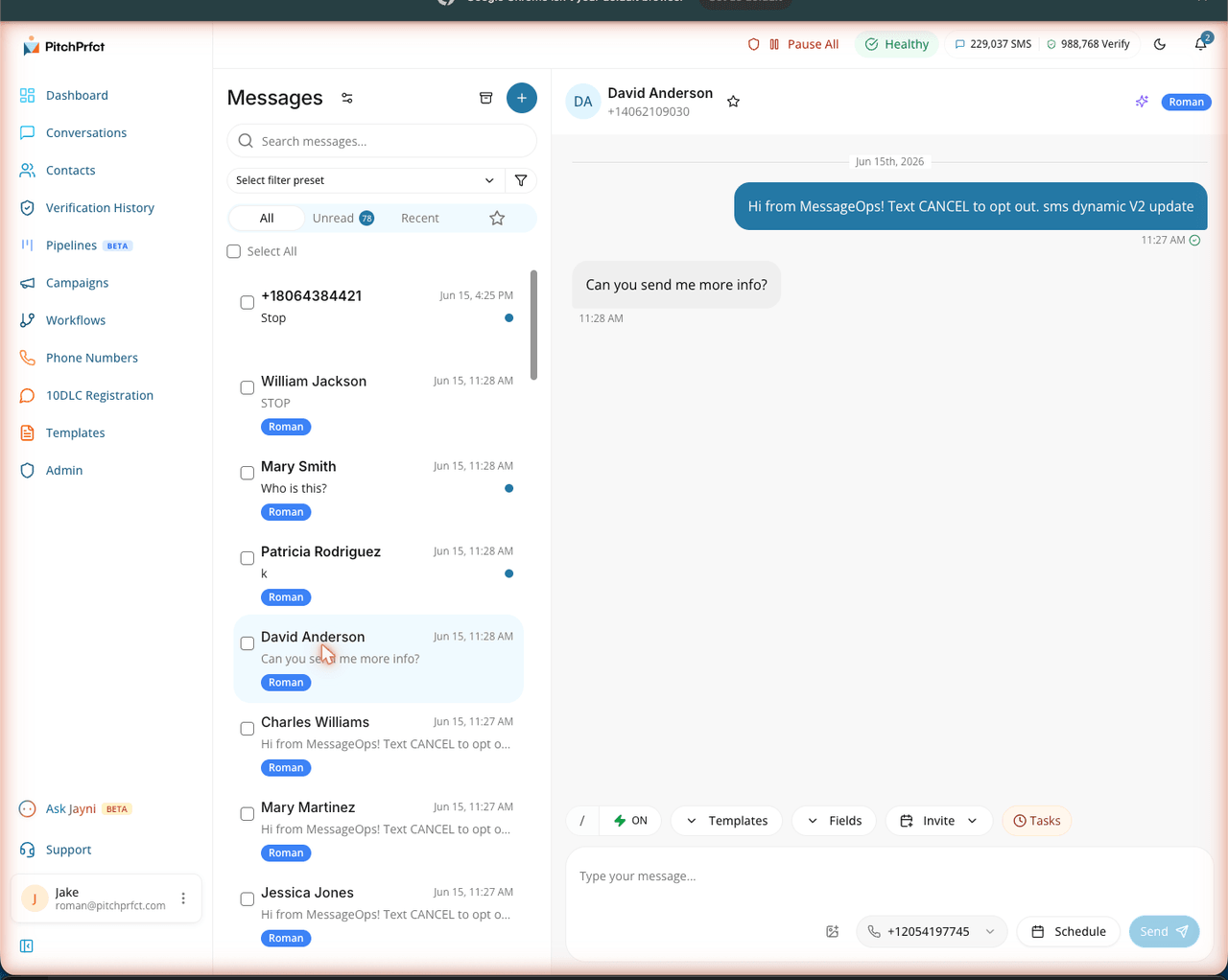
Compliance doesn't stop at registration. PitchPrfct keeps you on the right side of the TCPA automatically: STOP handling, quiet-hour enforcement, and list scrubbing on every send. If you're newer to the channel, start with what SMS marketing is and how an SMS blast works once you're approved.
Frequently asked questions
How do I register for 10DLC?
How long does the 10DLC registration process take?
How much does 10DLC registration cost?
Can I register a 10DLC campaign myself?
What's a 10DLC trust score?
Want 10DLC handled for you? Start a free trial.