
Text to give is a way for supporters to donate from their phone in seconds. They text a keyword to a number, get a link back, and give on a quick mobile page. No app, no login, no digging for a credit card on a desktop. This guide covers how text-to-give actually works, the two models you'll run into, how to set it up, what it costs, and the best practices that make it land.
What is text to give?
Text to give is mobile giving over SMS. A supporter texts a short keyword — say GIVE or RESCUE — to your number. They get an instant reply with a link to your donation page. They tap, enter an amount, and they're done. The whole thing takes under a minute, and it happens from wherever they're standing: a pew, a gala table, a parking lot at a 5K.
That speed is the point. People give in moments — a match window, an appeal from the stage, a disaster on the news. Text to give catches the moment while it's still open. A donor who'd never sit down at a laptop to find your website will text a keyword on the spot.
You'll see it called a few things: text to donate, text giving, SMS donations. Same idea. The differences are in how the money actually moves, which brings us to the two models.
The two models, compared honestly
Not all text-to-give is built the same. There are two real approaches, and they behave very differently.
Carrier-billed text-to-donate is the classic "text GIVE to 12345 to donate $10" model. The gift gets added to the donor's phone bill, and the carrier passes it along to you later. It's recognizable, but it comes with strings: gifts are capped at small fixed amounts, you can only collect through a registered premium short code, payout takes a while, and eligibility is tight — typically vetted 501(c)(3) status through an approved aggregator.
Keyword-to-link text giving is what a modern SMS platform enables. The donor texts your keyword, gets a link to your own donation page, and gives there. No cap on the gift, money lands through your normal payment processor on your normal schedule, and you keep the donor relationship for future asks. This is what most nonprofits use today.
| Carrier-billed text-to-donate | Keyword-to-link text giving | |
|---|---|---|
| How it works | Donation added to the phone bill | Keyword reply sends a donation link |
| Gift size | Capped at small fixed amounts | Any amount, donor's choice |
| Where the money goes | Carrier collects, then pays you | Straight to your payment processor |
| Payout speed | Slow (weeks to months) | Your processor's normal schedule |
| Setup | Premium short code + aggregator vetting | Pick a keyword, point it at a page |
| Eligibility | Vetted 501(c)(3), strict | Open to any opted-in list |
| Donor data | Limited | You keep the contact for re-asks |
| Recurring gifts | Hard | Easy via your donation page |
Carrier-billed pros: dead simple for the donor, no payment page needed, recognizable from big telethons.
Carrier-billed cons: small capped gifts, slow money, heavy vetting, the carrier takes a cut, and you don't really own the donor relationship afterward.
Keyword-to-link pros: any gift size, fast payout, recurring giving, you keep the contact, and it works with the opted-in list you already have.
Keyword-to-link cons: you need a donation page and a payment processor wired up. That's it — and most orgs already have one.
For a small food bank or an animal shelter trying to turn an event into gifts, keyword-to-link wins on every line that matters. The rest of this guide focuses there.
How to set up text to give (keyword-to-link)
Here's the keyword-to-link flow, start to finish. None of it takes long.
- Pick a memorable keyword. One word, easy to spell, easy to say out loud. GIVE, RESCUE, FEED, BUILD. A church might use BUILD for a capital campaign; a shelter might use RESCUE. Keep it short — your emcee will read it from a stage.
- Point the keyword at your donation page. Have a mobile-friendly donation page ready on your giving platform or processor. The keyword's job is to hand the donor that link.
- Write the autoresponder. When someone texts the keyword, they get an instant reply: a one-line thank-you plus the link. "Thanks for supporting {org}! Give here: {link}. Reply STOP to opt out."
- Add suggested amounts on the page. Three to five giving levels with a quick impact line each ("$25 feeds a family for a week"), plus a custom field. Donors decide in seconds when you do the math for them.
- Set up a real thank-you. After the gift, send a warm follow-up text. Retention starts the moment someone gives.
- Promote the keyword everywhere. Slides, the program, the emcee's script, email, social, signage. The keyword only works if people see it.
- Test the whole flow first. Text the keyword yourself, tap the link, make a small gift, confirm the thank-you fires. Do this before the event, not during it.
Best practices that make it work
The mechanics are easy. These are the things that separate a keyword nobody uses from a campaign that fills your account.
- Make the keyword obvious. If the donor has to think, you've lost them. Big on the slide, repeated by the emcee, printed on the table tent.
- Suggest amounts. A school booster club asking for "any amount" raises less than one offering $20 / $50 / $100 with a reason next to each. Anchor the gift.
- Always send a thank-you autoresponder. Instant, warm, specific. It's the cheapest loyalty you'll ever buy.
- Ask for recurring where it fits. A disaster-relief org running a one-time push is different from a shelter that needs steady monthly support — for the latter, add a "make it monthly" option on the page.
- Time it to the moment. Year-end, a match window, the peak of an event, right after an emotional ask from the stage. The text lands while hearts are open.
- Keep your list clean. Text the people who opted in to hear from you. A warm, engaged list gives; a cold one just generates opt-outs.
Staying compliant (the light version)
Text giving runs on consent, same as any business or nonprofit texting. A few ground rules keep you safe:
- Get clear opt-in. A donor handing you their number on a gift form isn't the same as agreeing to receive texts. Capture explicit consent ("text me updates") and keep the record.
- Honor every opt-out. A working STOP on every message, handled instantly.
- Respect quiet hours. No 6 a.m. asks. Stick to reasonable local times.
- Register for 10DLC. Business and nonprofit texting on U.S. carriers needs 10DLC registration — it's what keeps your messages delivering.
For the specifics, see our plain-English 10DLC guide and TCPA guide, plus the FCC and the CTIA Messaging Principles. This isn't legal advice — when a real compliance question comes up, talk to counsel.
Where PitchPrfct fits
PitchPrfct is the messaging layer for keyword-to-link giving. It does the texting part — and does it well:
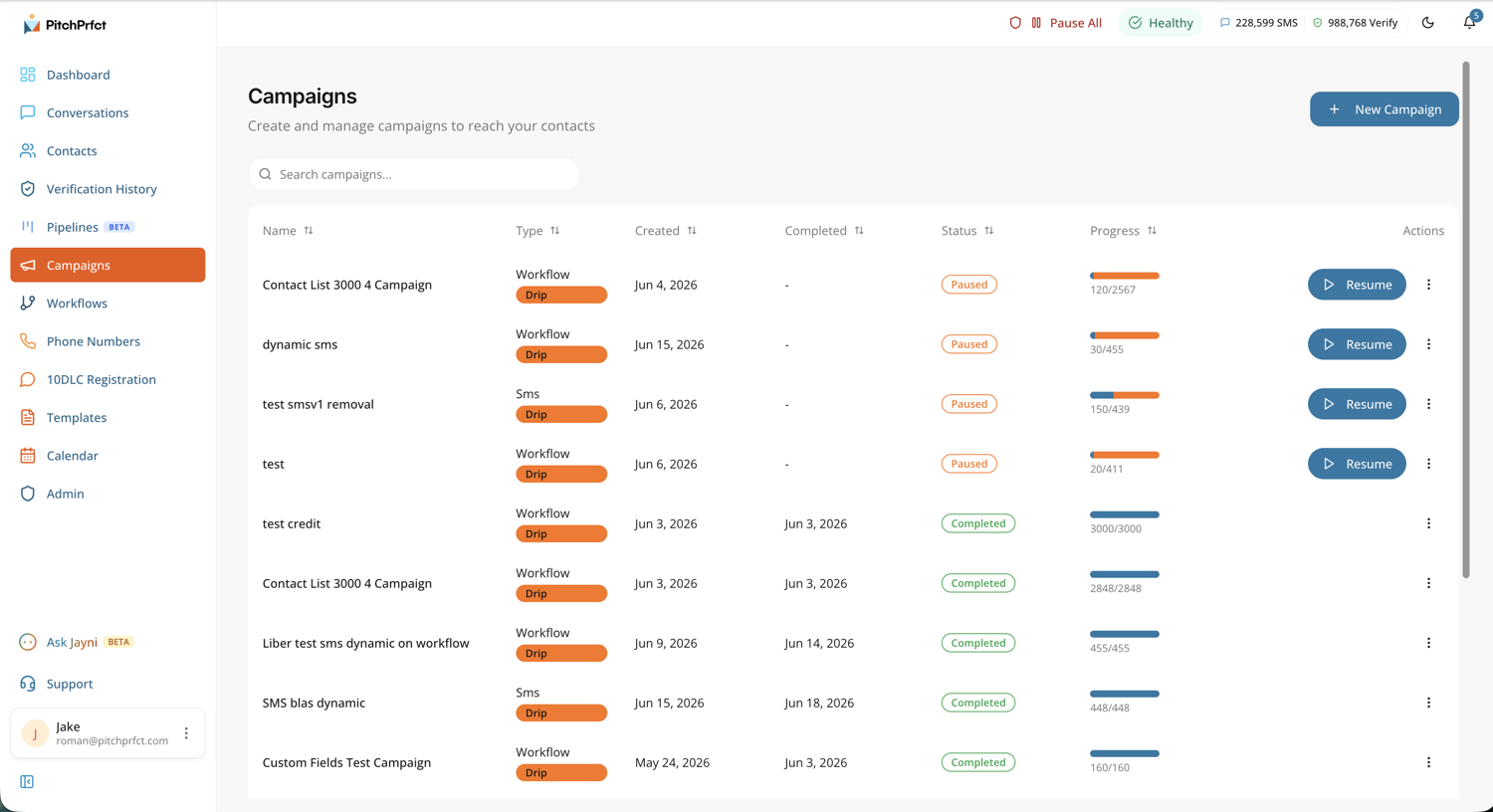
- Keywords and autoresponders — set up your GIVE keyword and the instant link reply, no developer needed.
- An opt-in landing page — PitchPrfct generates one for you, which solves the "we don't have a website" blocker a lot of small orgs hit.
- Scheduled campaigns — time a blast to your opted-in donors for a match window or a year-end push, with the give link and the donor's name merged in.
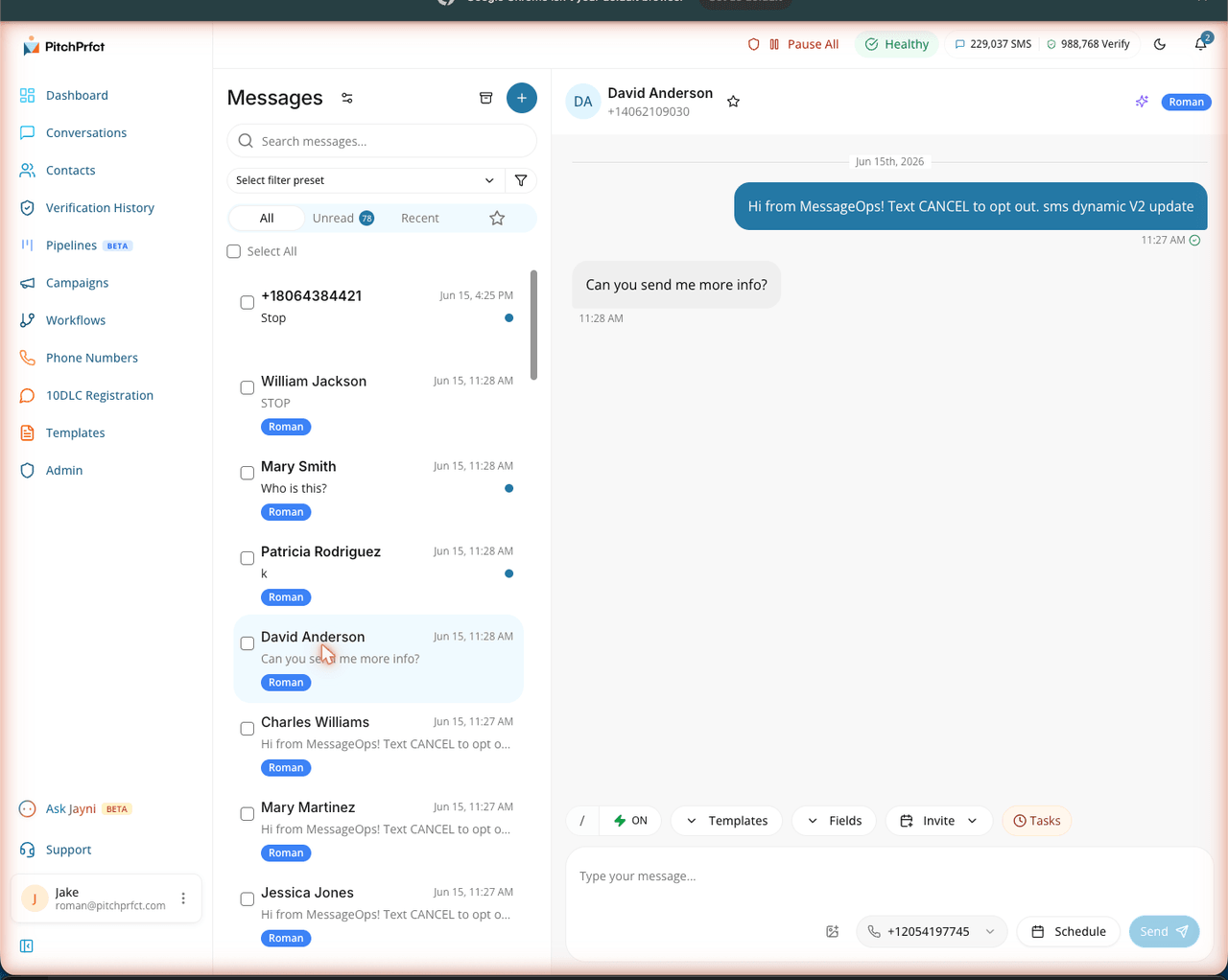
- A conversations inbox — when a supporter replies with a question, you see it and answer it in one place.
- All-in $0.007 per segment — flat, predictable, carrier fees included. A blast to 5,000 opted-in donors runs about $35 in messages on top of the $99/mo ($1/mo per number and the standard $10/mo TCR fee apply, like any platform). Predictable enough to put in a budget — which matters more for a nonprofit than almost anywhere.
One honest boundary: PitchPrfct sends the keyword reply and the link. It doesn't process the payment. The donation itself lands on your giving page or processor (your donation platform, Stripe, whatever you already run). Two pieces working together — the texting and the giving — and the handoff is just a link.
Related reading
Going deeper on nonprofit texting? Start with SMS marketing for nonprofits for the full donor, fundraising, and volunteer playbook. For the broadcast mechanics behind a giving push, see SMS blast and a stack of SMS marketing examples. New to the channel? The what is SMS marketing pillar covers the basics.
Frequently asked questions
How does text to give work?
What is the difference between text to give and text to donate?
What does text to give cost?
Do you need a short code for text to give?
Can supporters set up recurring gifts by text?
Is text giving good for small nonprofits?
Want text-to-give with the compliance handled for you? Start a free trial.